

It’s 2026, and companies no longer use traditional on-premise email servers; they have now moved to cloud platforms like Microsoft 365 and Google Workspace. This means that the conventional ways of protecting emails at the network boundary also don’t work anymore. To ensure that their emails are secure despite this, organizations have now shifted to cloud-native email security platforms like Avanan.
This security platform is unlike a traditional gateway that sits at the edge of your company’s network. Instead, it integrates directly with cloud email platforms and helps detect phishing and spoofing attacks within the cloud ecosystem. That’s where Avanan becomes a part of your ecosystem.
If you integrate it via an API connection, it only scans outgoing emails for nefarious activity as they are sent directly through Microsoft 365 and Google Workspace.

However, in some deployments, Avanan sits inline in the mail flow. That means outgoing emails are routed through Avanan’s servers before reaching the recipient. In this case, Avanan becomes the system that actually delivers the email to the outside world. When Gmail or another provider receives that email, it sees that it came from Avanan’s infrastructure. So, if you don’t authorize the platform to send emails on your behalf, those messages may fail authentication and never reach the recipients.
Why do you need to implement SPF for Avanan?
If your outgoing emails are being sent through Avanan, you need to ensure your SPF record allows Avanan to send emails from your domain. When someone receives your email, their mail system checks whether the sending server is approved. It does this by looking at your SPF record.

Here are a few reasons why adding Avanan to your SPF record can be helpful:
It confirms approved sending sources
When your outbound email is routed through Avanan, the receiving server sees Avanan’s infrastructure as the sender. So, if your SPF record does not include the platform as an authorized sending server, the authentication check may fail for those emails, even if they are legitimate. This is because the receiving server only trusts what’s listed in the SPF record, and if Avanan isn’t listed there, it has no way of knowing that the platform is intentionally sending emails on your behalf.
By adding Avanan to your SPF record, you clearly state that its servers are approved to send mail for your domain. This ensures your legitimate emails are recognized as valid and reduces unnecessary delivery issues.
Protects against domain spoofing
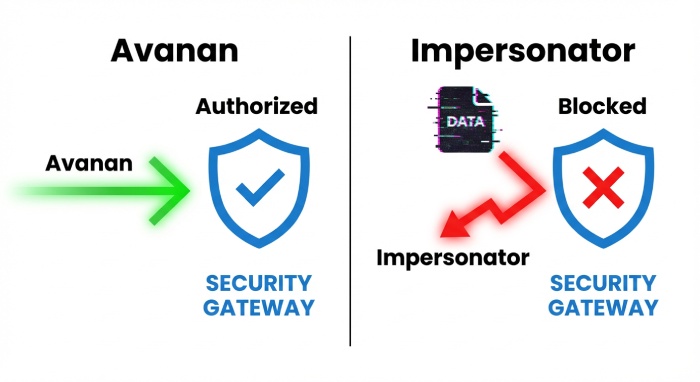
By adding Avanan to your SPF record, you’re clearly telling the receiving servers which servers are authorized to send emails from your domain. So, if someone tries to send an email pretending to be you from an unauthorized domain, the server falls outside the approved list. The mismatch becomes a clear sign that the email may be spoofed. This makes it harder for attackers to successfully impersonate your domain.
Recognizes legitimate email sending services
Most organizations rely on multiple platforms to send emails on their behalf. These could be third-party tools like CRMs, marketing tools, or even payment gateways. If you don’t authorize these sending sources, the receiving servers will treat emails coming from them as suspicious. But when you add these services to your SPF record, Avanan recognizes them as trusted and helps ensure that legitimate emails sent through these platforms are not treated as suspicious, even by mistake.
Supports DMARC enforcement
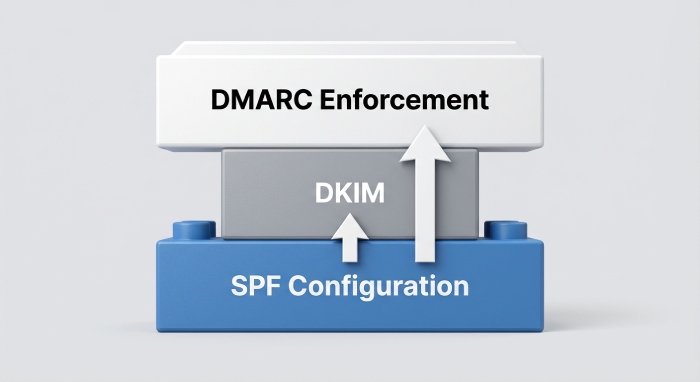
SPF is one of the key components of your DMARC setup. If your SPF is properly configured with all the authorized sending sources listed properly, it gives DMARC a reliable signal to evaluate incoming messages. This helps security systems like Avanan verify whether an email coming from your domain is indeed legitimate. But, if you do not have a properly configured SPF record or if there are any misconfigurations, DMARC may not work properly, making it harder for Avanan to decide whether suspicious emails should be blocked or quarantined.
Gives you better visibility into email authentication results
When it comes to email authentication, guesswork rarely helps. You need clarity on whether an email is legitimate or not. When your SPF record is properly configured, tools like Avanan can clearly see which server sent the email and whether it matches the authorized list. This also makes it easier for you to understand why an email passed or failed authentication checks so that security teams can investigate and work on those issues accordingly.
Protects your domain reputation
Your domain’s reputation depends on how consistently your emails authenticate. If attackers are able to send spoofed emails using your domain, mailbox providers may begin to lose trust in it. If this happens often, even your legitimate emails might end up in spam or never reach the recipients. So, you need a properly configured SPF record that helps prevent unauthorized systems from sending emails on your behalf, which helps maintain trust in your domain and improves overall deliverability.
How do you configure SPF for Avanan?
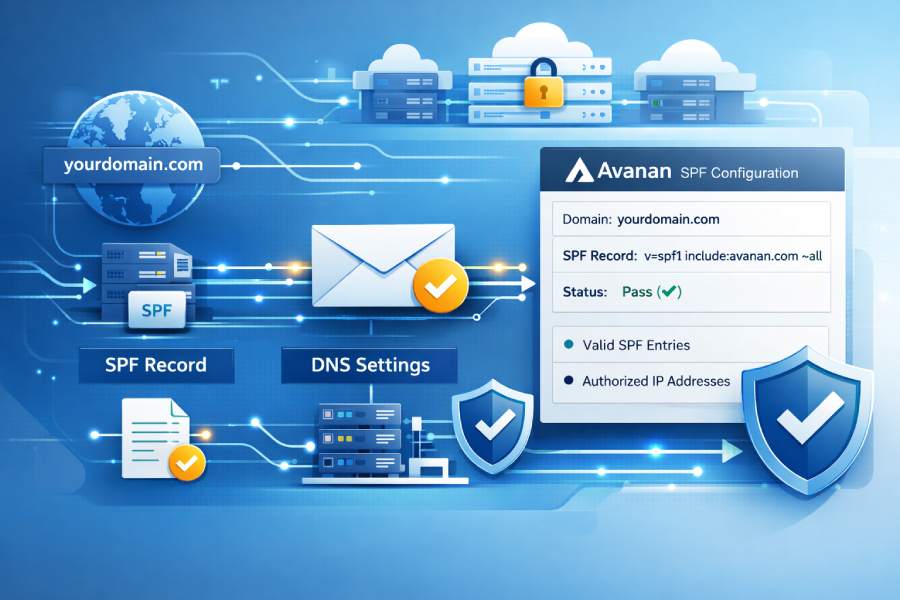
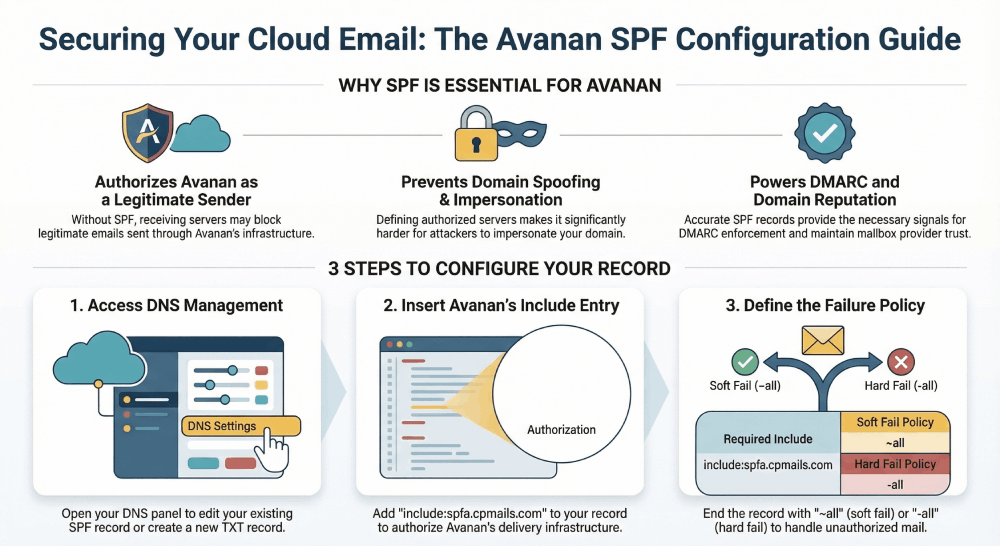
To allow Avanan to route emails for your domain, its mail servers must be included in your SPF record. This tells receiving mail servers that messages routed through Avanan are legitimate.
Here’s how you can configure SPF for Avanan:
- First, open your DNS management panel, where all your domain records are stored. If you already have an existing SPF record, you will have to make changes to it. But if you don’t make sure to create a new TXT record.
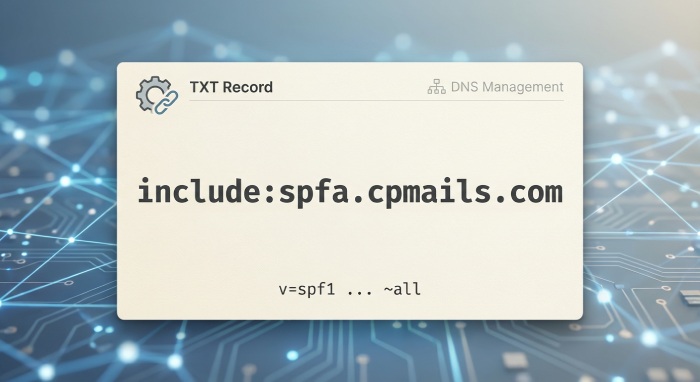
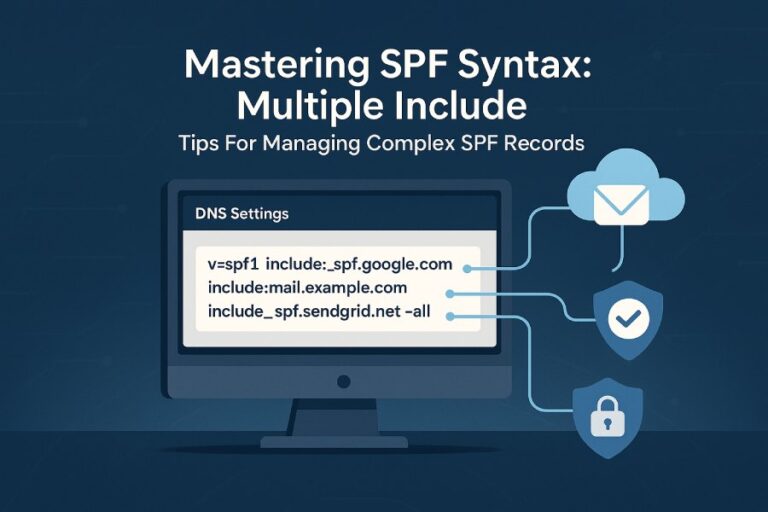
- Next, add Avanan’s include entry: include:spfa.cpmails.com. This allows Avanan’s infrastructure to send emails on behalf of your domain. Make sure you add this to the list of authorized platforms that can send emails on your behalf.
- Once you’ve listed all your authorized sending services, including Avanan, finish the SPF record by defining how SPF failures should be handled. For instance, using ~all (soft fail) marks them as suspicious, while -all (hard fail) instructs receiving servers to reject them.
- After it’s all done, save the changes made and allow the DNS to propagate them. And once the record is active, Avanan will be properly recognized during SPF checks, helping ensure that emails sent through it authenticate correctly.
Are you struggling to set up SPF for Avanan? Contact our team for help.